Machine Embroidery Designs
Browse our library of free machine embroidery designs — available in DST, PES, JEF, and more. Download ready-to-stitch files or upload your own image to convert it instantly.
Every design comes in multiple formats so it works with your machine — whether you run a Tajima, Brother, Janome, or Husqvarna Viking.
Browse by Category
All designs are free to download in DST, PES, JEF, and EXP formats. Compatible with all major embroidery machines.
Animals & Nature
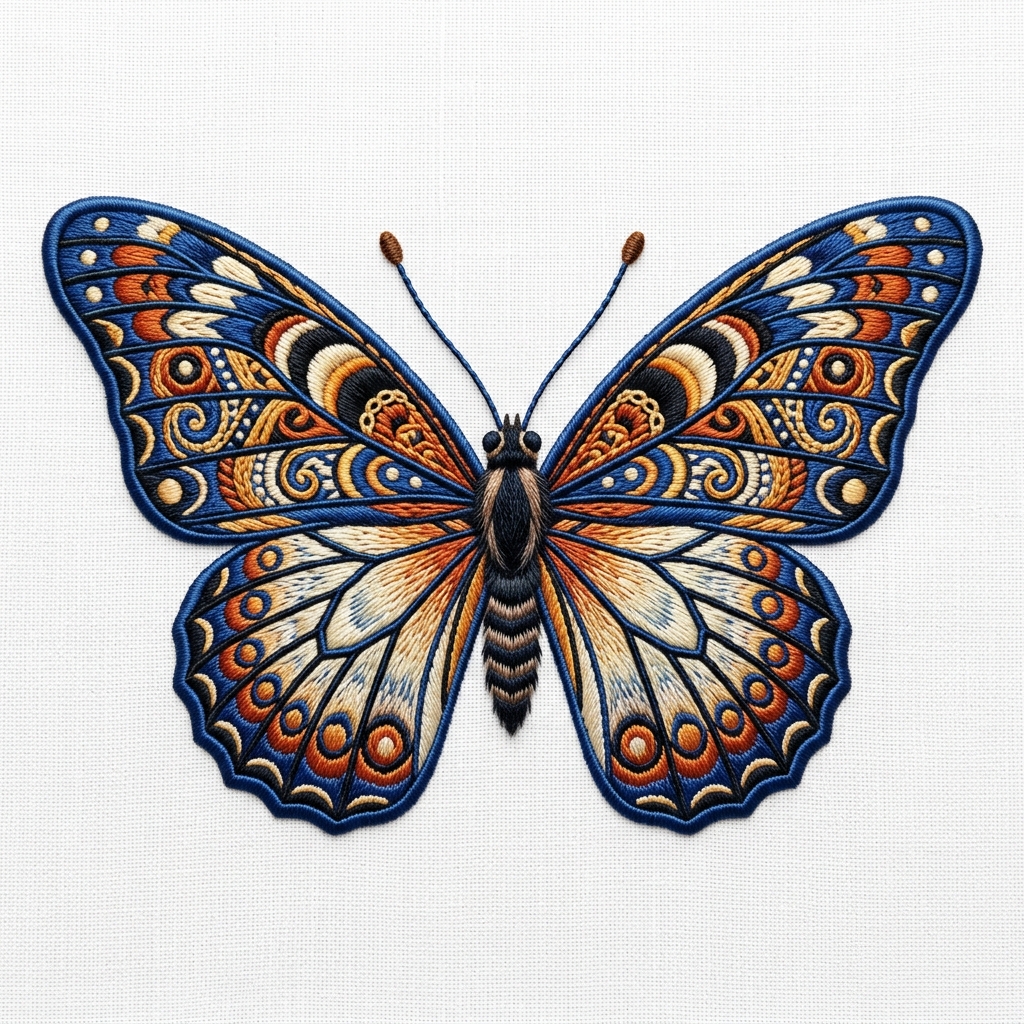
Birds, butterflies, deer, floral motifs — great for tote bags, children’s clothing, and home décor.
Download FreeBusiness Logos & Monograms
Clean single-colour and multi-colour logo designs suitable for polos, workwear, and uniforms.
Get Custom LogoHoliday & Seasonal
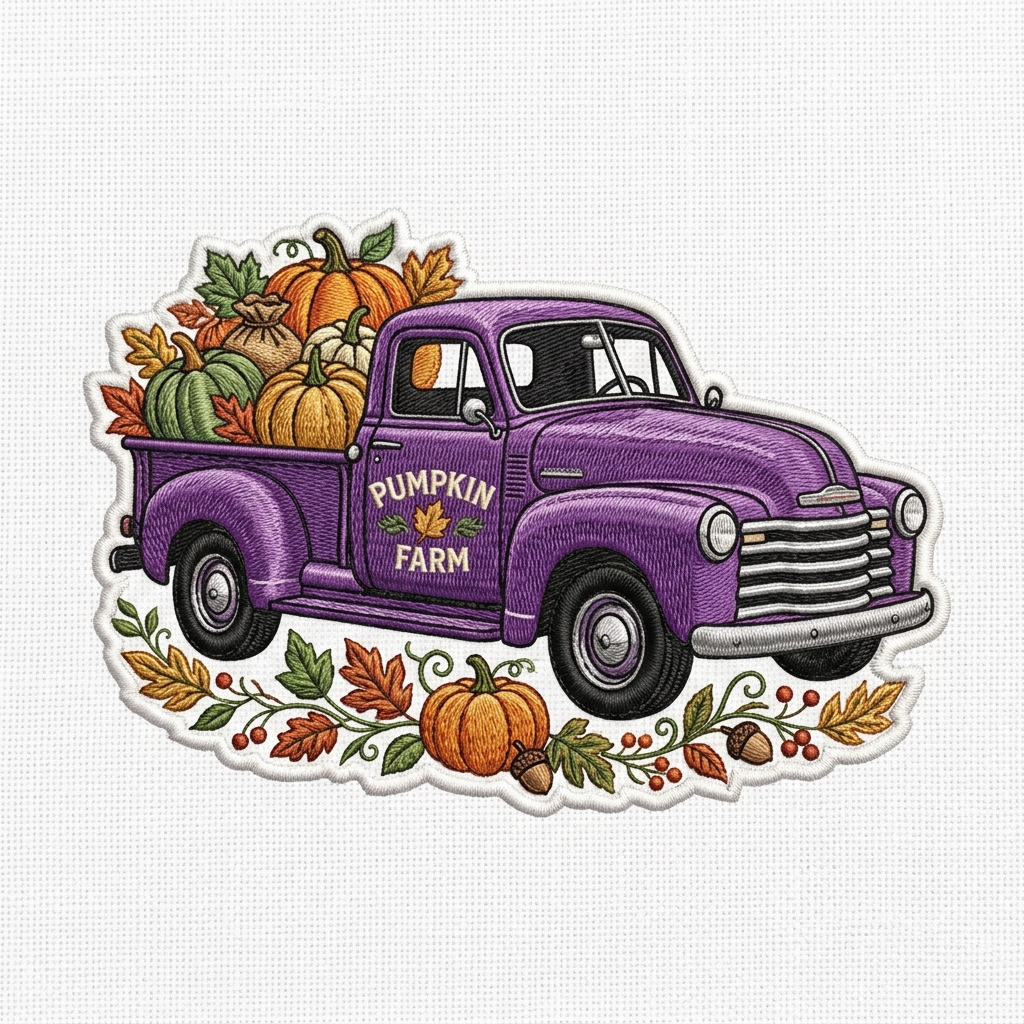
Christmas, Halloween, Easter, and seasonal patterns — stockings, tree motifs, pumpkins, and more.
Download FreeBaby & Kids
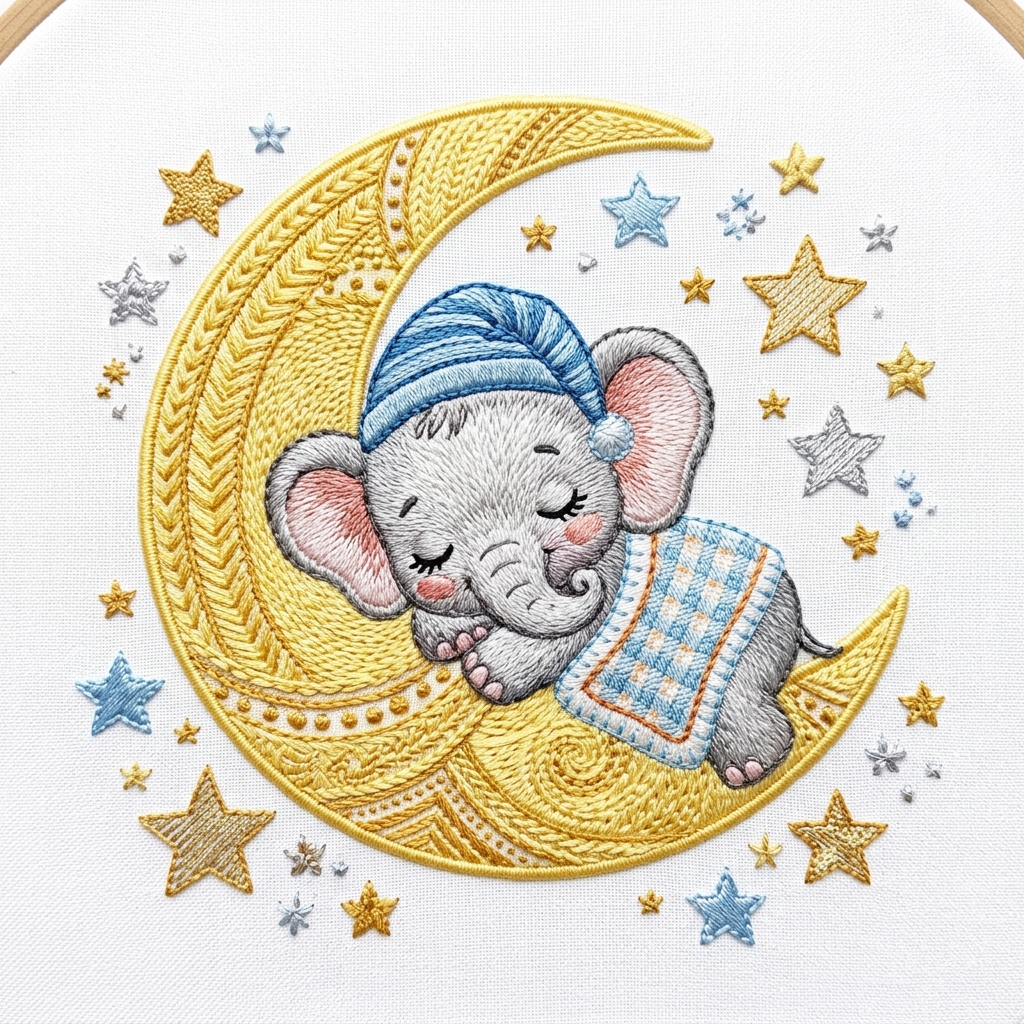
Cute animals, alphabet letters, and toy designs ideal for bibs, onesies, and baby shower gifts.
Download FreeSports & Varsity
Team logos, varsity letters, and athletic motifs for caps, jerseys, and sports bags.
Download FreeGeometric & Abstract
Mandala patterns, minimalist lines, and abstract shapes — versatile designs that work on any fabric.
Download FreeMachine Embroidery Design Gallery
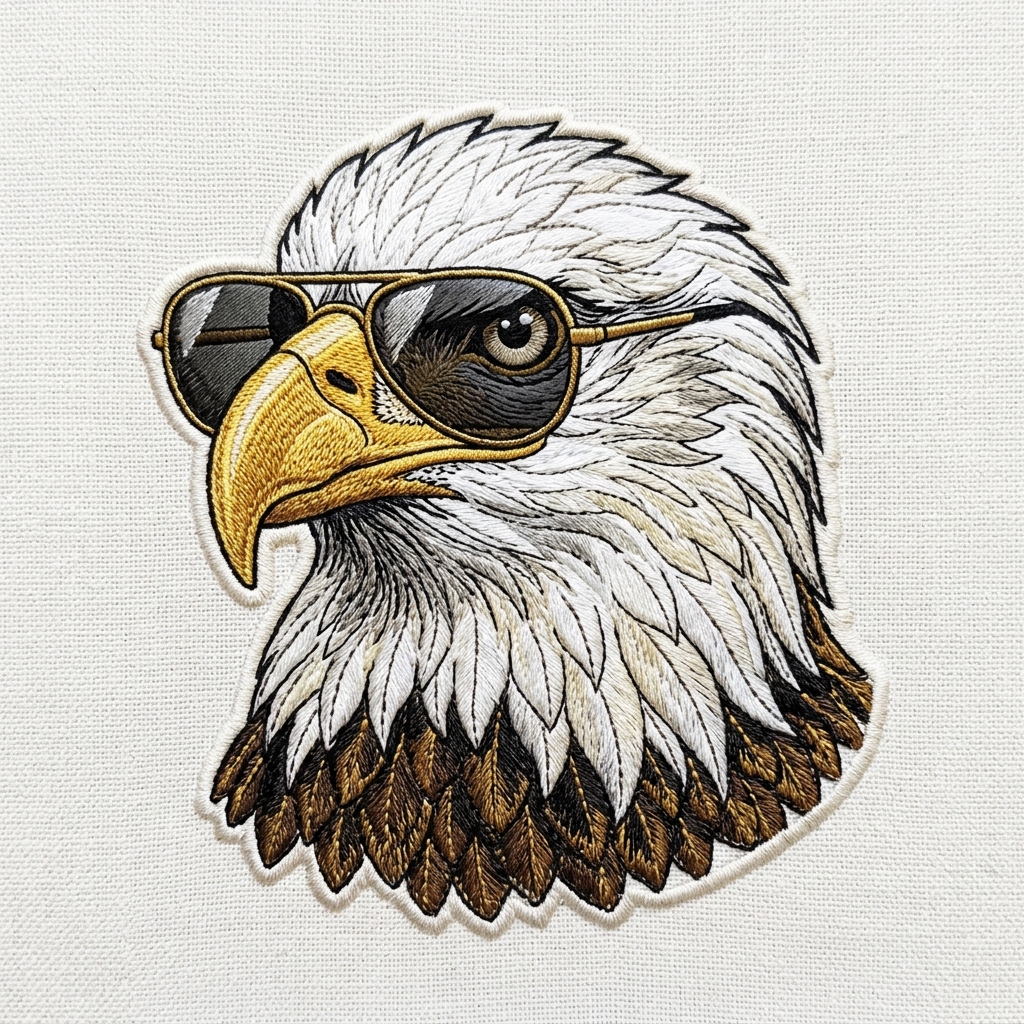
A sample of the designs available in DST, PES, JEF, and EXP formats — ready to load directly into your machine.
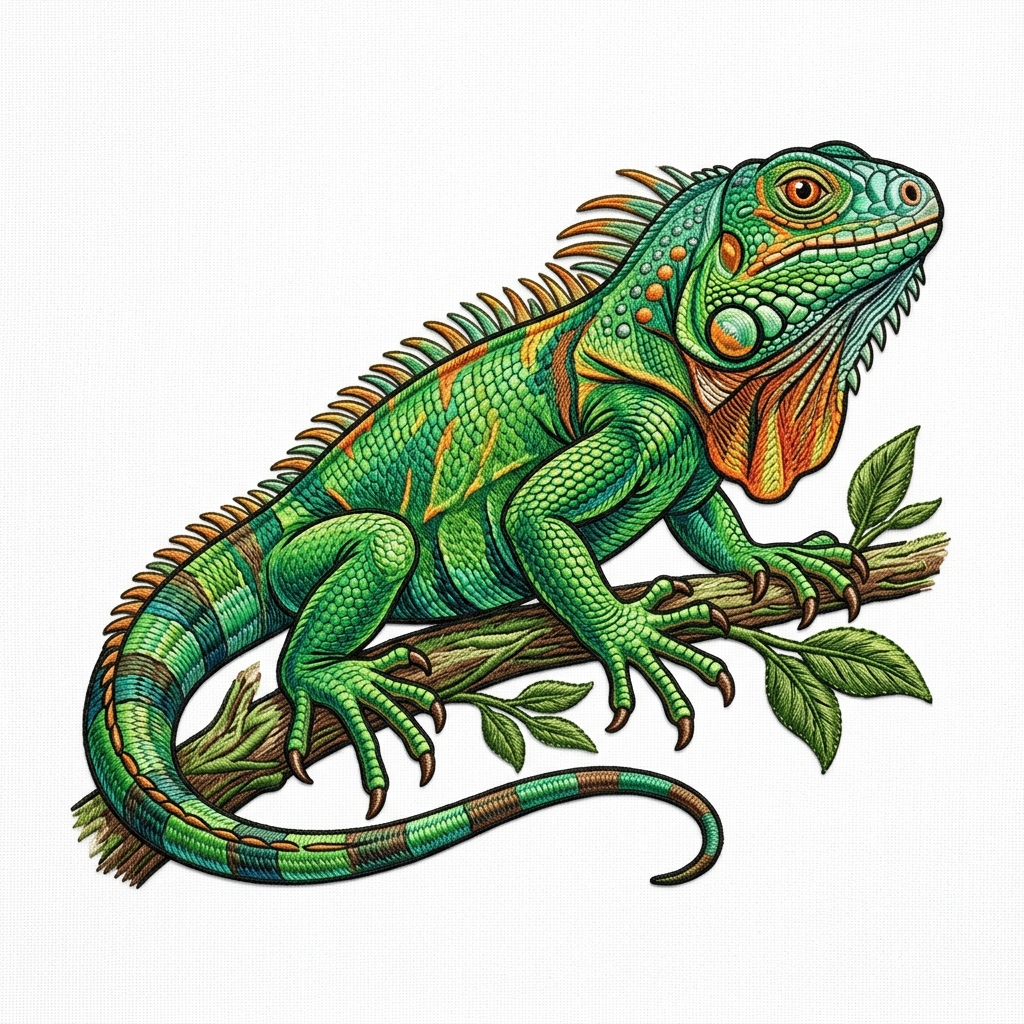
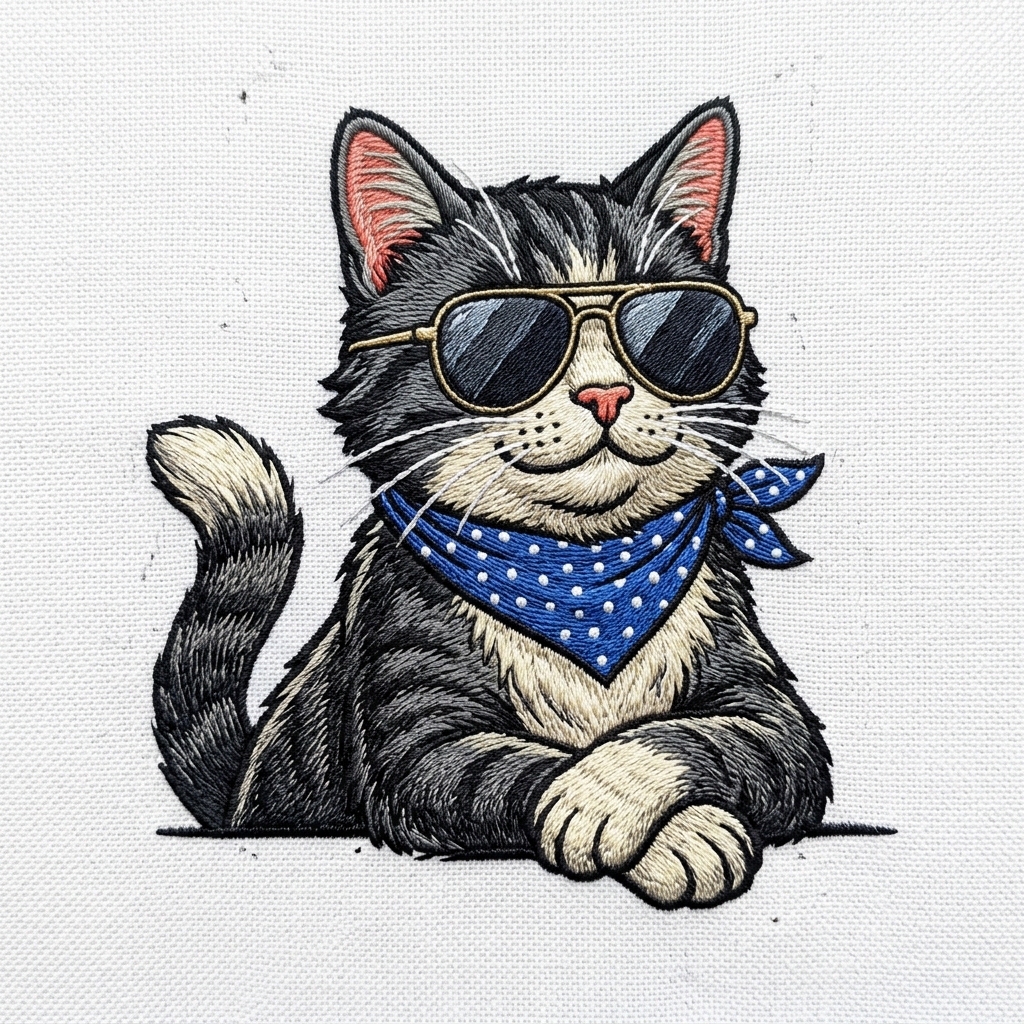
How to Use Machine Embroidery Designs
Whether you’re downloading a free design or converting your own artwork, the workflow is the same — and it takes under two minutes.
Get the Design
Download a free design from our library, or upload your own PNG, JPG, or SVG artwork to convert it into a stitch file.
Choose the Right Format
Select the output format for your machine — DST for Tajima, PES for Brother, JEF for Janome, VP3 for Husqvarna. Our converter handles all of them.
Transfer to Your Machine
Copy the downloaded stitch file to a USB drive (or SD card), insert it into your embroidery machine, and select the design from the on-screen menu.
Hoop, Thread, Stitch
Hoop your fabric with the appropriate stabiliser, load your thread colours, and press start. The machine handles the rest.
What Makes a Good Machine Embroidery Design?
Not every image converts cleanly to a machine embroidery design. The most common issue is detail — small text, thin lines, and gradient shading are difficult for a needle and thread to replicate accurately at small sizes.
A well-prepared machine embroidery design accounts for pull compensation, uses correct underlay for the fabric type, and organises colour changes to minimise jumps and thread trims.
Design Tips That Save You Re-Runs
-
•
Minimum text size is ~4mm cap height — anything smaller blurs on most fabrics. If your logo has fine print, simplify it for embroidery.
-
•
Fewer colours = fewer stops — each colour change pauses the machine. Designs with 3–6 colours run efficiently; 12+ colours slow production significantly.
-
•
Test on a sample first — always stitch out a new design on the same fabric type before committing to a production run. It’s 5 minutes that can save hours of re-work.
Available Download Formats
* Have your own design? Upload it and convert to any of these formats instantly — free, no account needed.
Machine Embroidery Designs — Common Questions
Everything you need to know about finding, converting, and using machine embroidery designs.
Where can I find free machine embroidery designs?
Right here — our design library above includes free downloads in DST, PES, JEF, and other formats. You can also create your own by uploading any PNG or JPG image to our converter and downloading the resulting stitch file. No account or payment required.
What format do I need for my embroidery machine?
It depends on your machine brand. Brother and Babylock machines use PES. Janome uses JEF. Tajima, Barudan, and most commercial machines use DST. Husqvarna Viking and Pfaff use VP3. Check your machine’s manual if you’re unsure — the supported formats are listed in the USB/connectivity section.
Can I turn a regular image into a machine embroidery design?
Yes. Upload any PNG, JPG, or SVG to our converter, select your machine’s format, and download the stitch file. For complex logos with many colours or fine details, our professional digitizing service gives the cleanest result — but simple designs convert automatically in seconds.
What size should a machine embroidery design be?
The design must fit within your machine’s maximum hoop size. Common sizes are 4″×4″ for small logos and chest designs, and up to 9.5″×9.5″ for large back designs. When uploading to our converter, you can specify the output size in millimetres so the stitch density is calculated correctly for that physical dimension.
Are free embroidery designs safe to use commercially?
Designs you convert from your own artwork are entirely yours to use commercially. For designs downloaded from our library, check the licence listed with each design — most are free for personal and small commercial use. When in doubt, converting your own artwork using our tool is the safest route for commercial production.